Most guests do not open a virtual tour to admire it. They open it because they are close to a decision and want to remove doubt: is this the room I am paying for, where is the pool from here, will the meeting room fit our group? A useful hotel tour answers those questions quickly, on the device the guest is holding, and then shows a sensible next step.
The checks below describe what a guest should be able to do before booking. The examples come from live 360INT hotel tours, checked on 15 November 2026.
Find the room category they are considering
Guests compare room categories, not buildings. The tour should let them go straight to the category they are weighing up instead of walking through corridors to find it.
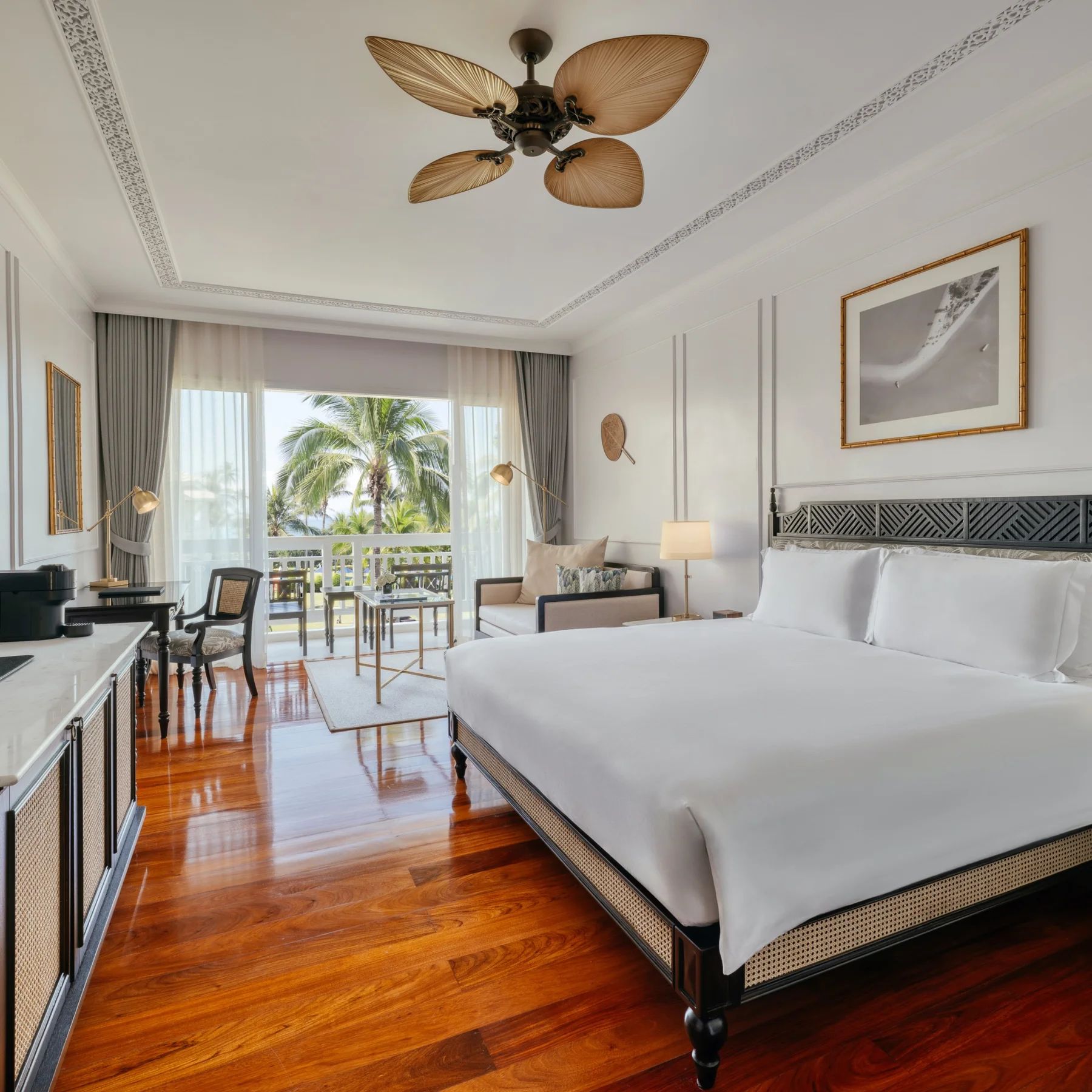
In the Sofitel Krabi Phokeethra tour, a branded menu groups the experience into Signature Rooms, Restaurants & Bars, Facility, Meetings & Events, Sofitel Spa, Lobby and Contact. Opening Signature Rooms lists the individual room types, so a guest choosing between the Twin Bedroom and the King Bedroom can open each one directly.
A hotel usually needs one representative room per category it sells rather than every room. What matters is that the room shown matches the category named in the booking engine, using the same name.
Move around without getting lost
After the room, guests look for the places that shape the stay: the restaurant, the spa, the pool, the lobby. Clear menu sections take them there in one step, which is easier than navigating a 3D space they have never visited.
The same structure helps the hotel's own team. A link or QR code can open the tour at a specific space, so a reservation agent can send the exact room or venue being discussed rather than the start of the tour. See deep links and QR codes for virtual tours.
Work properly on a phone
Many guests will open the tour from a phone, often from a booking platform, a message or a social post. The menu, buttons and next step must stay usable on a small screen. On a phone-width screen, the Sofitel Krabi tour keeps the same menu sections and room list as on desktop.
Check the tour on a real phone before launch: start screen, menu, room list, and the link that leads to booking or an enquiry.
Read in their language and use the tour comfortably
International guests decide faster when the room names and facility descriptions are in their own language. The Sofitel Krabi tour includes a language menu inside the experience, so tags and panels change language while the guest stays in the same place. See multilingual virtual tours.
Accessibility belongs in the same review. The DoubleTree by Hilton Bangkok Sukhumvit tour offers an accessibility menu alongside its translations menu. Keyboard navigation, high contrast and reduced motion help guests who cannot use, or do not want, a fast-moving 3D view. See accessible virtual tours.
Give planners the facts they need
Event planners and wedding couples look at a venue differently from leisure guests. They need to judge size, layout and access before they ask for a proposal. Matterport tours include a measurement tool, and a tour can show a space set up the way an event would use it, such as a ballroom in theatre style.
Where the hotel publishes capacities, keep them consistent with the sales kit. A planner who finds two different numbers will ask questions instead of booking a site visit.
Offer a next step that fits the hotel's systems
A tour should end in an action, but the right action depends on what the hotel has connected. There are three honest options:
- Link to the booking engine. A button in the room opens the hotel's own booking page for that category. Rates, availability, payment and confirmation stay in the booking engine.
- Send a request from the room. Where HospitalityOS or another supported system is connected, the tour can show availability and send a booking request for the room in view. The property confirms the reservation; the request is not an instant, paid booking.
- Send an enquiry. Without a connected system, the request goes to the hotel team, who reply directly.
Availability, occupancy and pricing appear only where the connected system provides them. See booking in virtual tours for how these options are set up.
Be clear about what a tour cannot do
A virtual tour shows spaces as they looked on the day of capture. Renovations, new furniture or a changed layout need new capture, or guests will notice the difference on arrival. Make sure the room names in the tour match the current room categories.
A tour also does not replace the booking engine's terms. It can show which room a guest is looking at; it should not suggest a rate, view or upgrade that the booking does not include.
A short checklist before launch
- Every room category sold online has a matching room in the tour, with the same name.
- The menu reaches rooms, dining, spa, pool and event spaces in one or two steps.
- The tour works on a phone, including the menu and the next step.
- Key languages are available and reviewed by someone who speaks them.
- Accessibility settings are switched on and tested.
- Each room or venue leads to a booking page, a request or an enquiry that actually works.
- The capture date is recorded, so the team knows when the tour needs refreshing.
360INT captures, builds and maintains hotel tours with these checks in mind. See our work on Matterport virtual tours for hotels, resorts and MICE, or send us the room categories you sell and the booking system you use, and we will suggest the simplest set-up that fits.
Tours checked 15 November 2026 on desktop and phone. Booking and availability features depend on the systems each hotel connects.