The first days in a new job are often confusing. New hires get a handbook, a login and a quick walk through the building, if someone has time. They arrive in a place they have never seen and have to learn it while also learning the job.
A 3D tour of your site changes that. New staff can walk through the offices, kitchens, ballrooms or treatment rooms from home, on any device, before day one. This article explains how 3D tours for employee onboarding work, what you can build into them, and how to roll one out.
Key Takeaways
- A 3D tour lets new hires learn the layout of a site before they arrive, so day one starts with the job, not with finding the restroom.
- Clickable hotspots can carry training videos, safety notes, forms and team introductions inside the space they refer to.
- One tour gives every location and every new hire the same introduction, without repeating guided walks.
- Role-based paths keep the content short and relevant for each team.
- Capture is quick and the tour can be updated when rooms, equipment or people change.
Why Traditional Orientation Falls Short
Most orientation programs rely on documents, slide decks and a live site walk. Each has a weakness.
- Handbooks and slides describe a place without showing it. New staff have to build a mental map on their own.
- Guided walks depend on a manager's calendar. They get skipped, shortened or done differently each time.
- Multi-site companies end up with different introductions at different locations.
- Remote and hybrid hires may not see the site at all in the first weeks.
A 3D tour does not replace the human welcome. It handles the repeatable part, the "where is everything" part, so managers can spend their time on mentoring and relationships.
What a Training Tour Looks Like
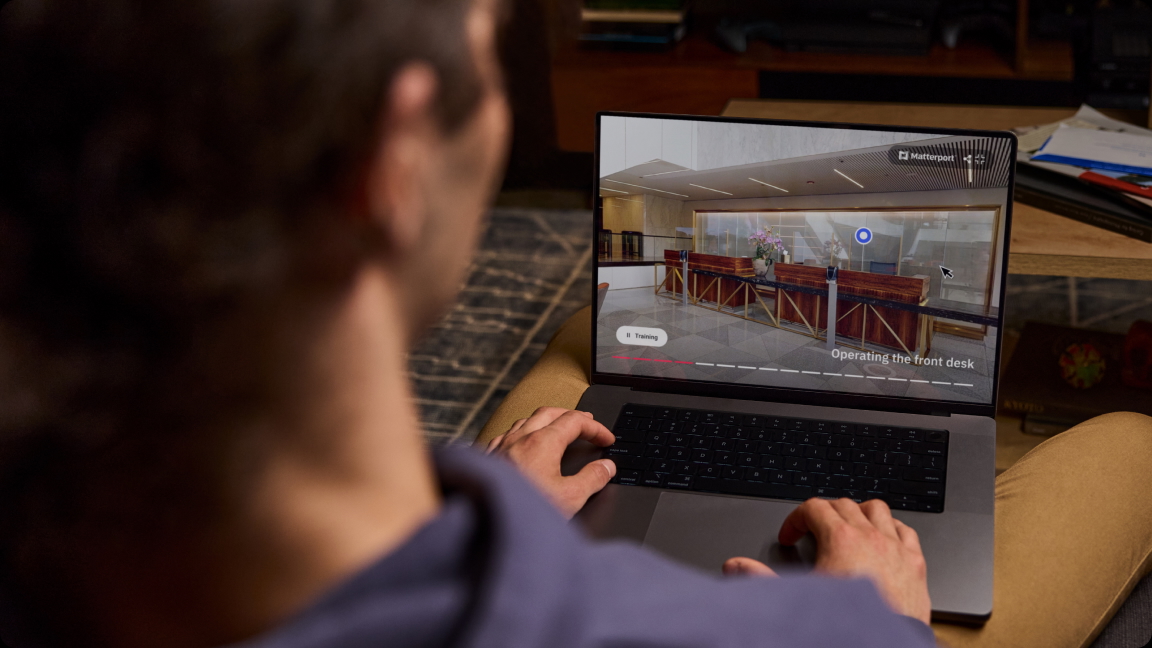
360INT captures your site as a Matterport 3D tour using the Matterport Pro3 LiDAR camera. The result is a walkable, measured model of the real space that opens in a web browser. Nothing has to be installed, so new hires can open it on a phone, tablet or laptop with a link.
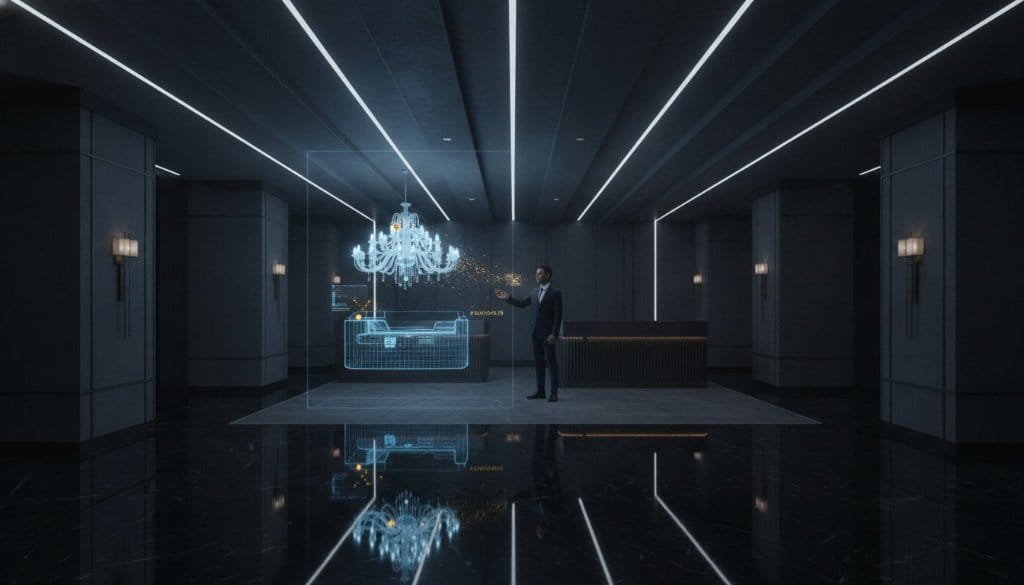
On top of that tour, Xperio3D, our experience layer for Matterport, adds interactive layers. Hotspots, room information, branded content and links can be placed exactly where they matter. A basic walkthrough only shows rooms. A training tour explains them.
Orientation without coordination
New hires explore departments, meeting rooms, common areas and entrances at their own pace. They can revisit a floor the night before they start. Nobody has to schedule a guide or repeat the same walk for each new person.
Role-specific training content
Hotspots can open material tied to a place or a piece of equipment. Examples:
- A safety notice at the emergency exit or the chemical store.
- A short video at the equipment it explains.
- HR forms and policies at the HR office.
- A team introduction with a photo and role at each department.
- A welcome message from a manager at the entrance.
One standard across many sites
If your company runs several locations, each one gets its own tour with the same structure. A new employee in one country sees the same kind of welcome as a colleague elsewhere, while the content stays specific to the local site and role.
Where Site Training Tours Work Best
Any workplace where people must know a building quickly benefits. Four common cases:
- Hotels, resorts and event venues: Housekeeping, front desk and banquet staff learn room types, back-of-house routes and ballroom setups. Sales staff can study meeting spaces before they show them to clients. See our work for hotels and MICE venues.
- Health and wellness sites: Spas, clinics and wellness centers have many small rooms with specific equipment and hygiene rules. A tour helps new therapists and staff learn them without disturbing guests. More on health and wellness.
- Offices and corporate campuses: New hires learn floors, departments, meeting rooms and facilities before arriving.
- Retail and showrooms: Staff learn store layouts and zones before the first shift.
For immersive training that goes beyond a tour, such as guided scenarios or interactive 3D content, see our immersive experiences service.
Building a Tour in Five Steps
- Define the goal. Decide what a new hire should know before day one: layout, safety rules, team names, tools.
- Capture the site. Plan scanning for a quiet time so rooms are tidy and people are not in the frame. Large sites are scanned floor by floor.
- Map the paths. List the roles you onboard, such as sales, operations, IT or service, and decide which areas each role must see.
- Add content. Place hotspots with videos, documents, safety information and introductions. Keep each piece short.
- Share and review. Send the link with the offer pack or welcome email. Ask new hires what was unclear and adjust.
Keeping the Content Useful
A tour is only as good as its content. Three habits keep it current.
- Keep hotspot text short. A hotspot should answer one question.
- Link to documents instead of copying them, so one update fixes every place the document appears.
- Review the tour on a schedule, for example every quarter, and after any renovation or reorganization. Re-scan only the areas that changed.
Be careful with personal data. Use names and photos in team introductions only with consent, and keep access to private tours limited to people who need them.
Connecting the Tour to Your Existing Systems
Many companies already have an HR portal or learning system. A training tour can be built to be integration-ready: hotspots link to the training pages you already use, and the tour sits inside your intranet or onboarding portal. Tell us which systems you use during scoping, and we confirm what can be connected to supported platforms.
What It Costs and How to Start
Cost depends on site size, the number of locations and how much interactive content you want. A scan of a single office is a smaller project than a resort with hundreds of rooms. We scope each project from floor area, number of sites and the hotspot content planned. Request a quote and we reply with a clear scope. Browse our 3D virtual tour services for what is included in a standard capture.
Who Benefits Besides the New Hire
The gains are not limited to the person starting work.
- Managers spend less time on repeat site walks and answer fewer basic questions in the first week.
- HR gets one consistent introduction to point to, which is easier to audit and update than several slide decks.
- Employees with limited mobility can explore the building in advance and plan their route, entrances and facilities.
- Remote and hybrid staff get a feel for the physical site even if they visit rarely.
- Seasonal and temporary staff, who are common in hospitality, can be trained quickly on a site they have never seen.
How to Judge Whether It Works
Set simple measures before launch, then check them with your first group of new hires.
- Ask new hires at the end of week one whether they knew where to go and who to ask.
- Track how many orientation questions managers still answer in person.
- Check which hotspots are opened often and which are ignored. Remove or rewrite the ignored ones.
- Compare the time managers spend on site walks before and after the tour.
Use your own figures for this. They tell you more about your site than any general benchmark.
A Sample Hotspot Plan for a Hotel
To make this concrete, here is how a hotel might lay out hotspots for a new front desk agent and a new housekeeper.
- Front desk agent: arrival hall, check-in desk, luggage room, business center, meeting rooms, ballroom entrance, and a floor-by-floor view of room categories.
- Housekeeper: staff entrance, locker room, linen store, service lifts, floor pantry, and one example room per category with a short checklist.
- All staff: fire exits, assembly point, first-aid points and the staff canteen.
The same approach works for a clinic, a retail store or an office. Start from the questions new staff ask in week one and put the answers where the question arises.
Frequently Asked Questions
Do new hires need special equipment to use an onboarding tour?
No. The tour opens in a web browser on a phone, tablet or computer. A headset is not required.
Does a 3D tour replace the in-person welcome?
No. It covers orientation and repeatable information so that the in-person time can go to introductions, mentoring and real questions.
Can different roles see different content?
Yes. Hotspot content can be organized by role, and separate tours or paths can be prepared for teams such as service, sales or operations.
How often should the tour be updated?
Review it every quarter and after any change in layout, equipment or key personnel. Only the changed areas need a new scan.
Can the tour be kept private?
Yes. A tour can be shared by private link or placed inside your own portal, so only staff and new hires can open it.
Is it only for large companies?
No. A single hotel, clinic or office can use one. The main benefit is the same: new staff learn the space before they arrive.
Start With One Site
The simplest way to begin is to pick one location and one onboarding group. Capture the site, add the first set of hotspots and ask your next new hires for feedback. If you want to plan a pilot, request a quotation and tell us about your site, your roles and the training content you already have.