Car buyers now research online long before they talk to a dealer. By the time they visit, they have looked at photos, specifications and reviews. What they still lack is a feel for the place, the people and the cars in the room.
An interactive 3D car showroom fills that gap. Buyers walk through your real showroom in a web browser, click on cars for details, meet the sales team and request an appointment. This article explains what a 3D showroom includes, how brands and dealers use it, and how to plan one.
Key Takeaways
- A 3D showroom is a measured, walkable copy of your real showroom that opens on any device without an app.
- Interactive layers add vehicle details, team introductions, enquiry forms and appointment requests inside the tour.
- It supports international buyers, model launches and sales training, not only the website.
- It supports the test drive rather than replacing it. Its job is to start the conversation and prepare the visit.
- Tours can be captured in multiple languages and updated as stock and displays change.
Why Photos Alone Fall Short for Cars
A professional photo shows a car at its best. It does not show how the showroom is arranged, how a car sits next to its neighbors, or what it feels like to walk around it. For a high-value purchase, buyers want that sense of place and scale before they commit to a visit.
Photos also freeze a single angle. A 3D showroom lets each buyer choose their own path. They look at the models they care about, in the order they want, at any hour.
There is a second problem. Many dealer websites look alike, with the same stock grid and the same gallery. A tour of your real showroom is specific to you. It shows your displays, your design, your service area and your team.
What an Interactive 3D Showroom Includes
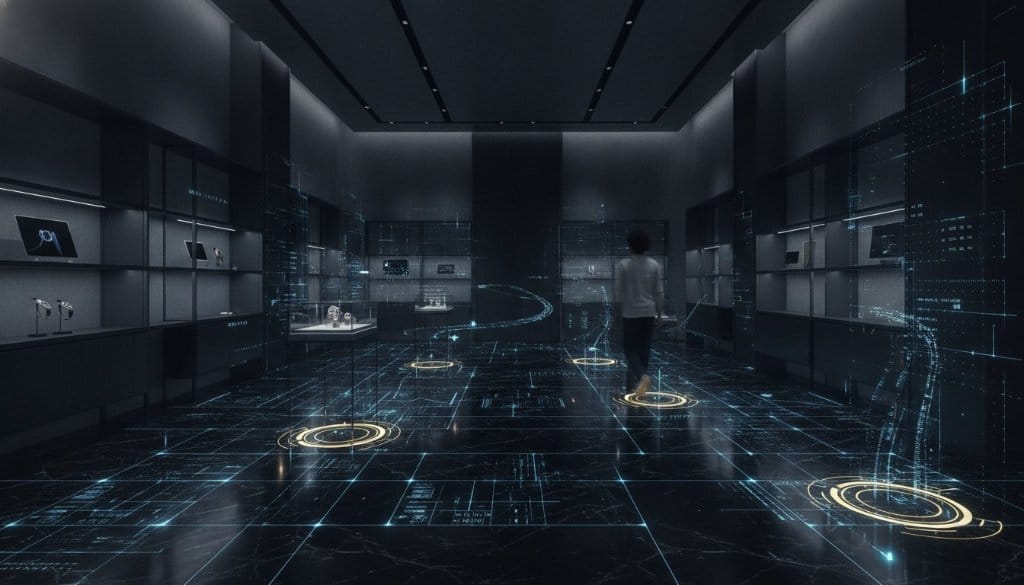
360INT captures interiors with the Matterport Pro3 LiDAR camera. The result is a measured 3D model of the space with photographic detail. Xperio3D, our experience layer for Matterport, then adds interactive layers on top of the tour. Typical elements:
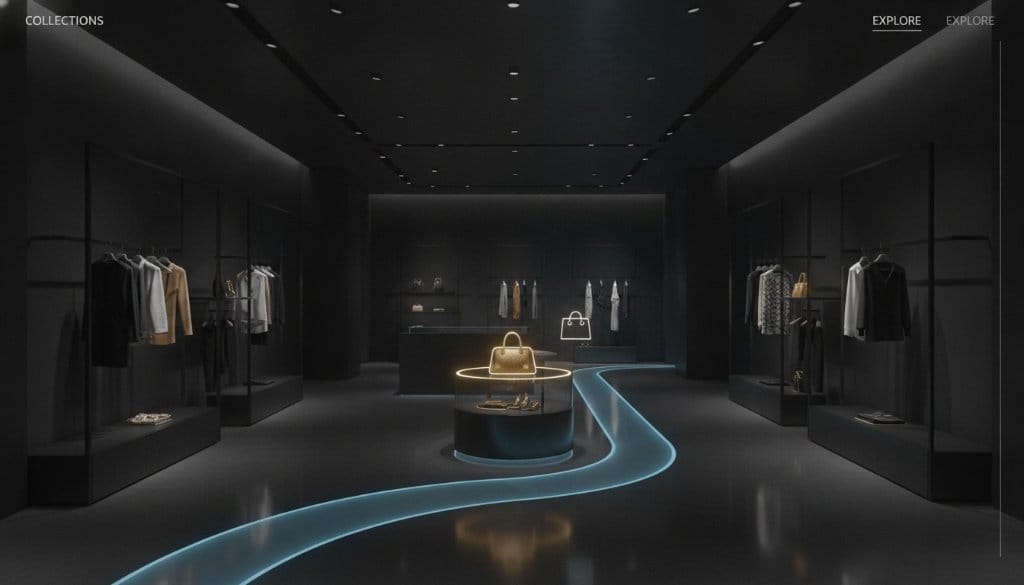
- Vehicle hotspots: Click a car to see model name, specifications, available trims, brochure downloads or a video.
- Team introductions: A short video or profile lets buyers meet their future consultant before the first call.
- Enquiry and appointment steps: Buttons for a test drive request, a private viewing or a callback, placed next to the car in question. These are integration-ready and connect to supported booking and CRM systems.
- Branded content: brand films, heritage stories, design philosophy and craftsmanship notes in the places where they fit.
- Service and extras: workshop, lounge, accessories and certified pre-owned areas, so buyers see the whole offer.
- Languages: tour text and hotspots in the languages your buyers speak, such as English, Thai or German.
We also clean up scans, correct lighting and remove clutter, so the showroom looks the way you want it presented.
Where Brands and Dealers Use Them
Dealership showrooms
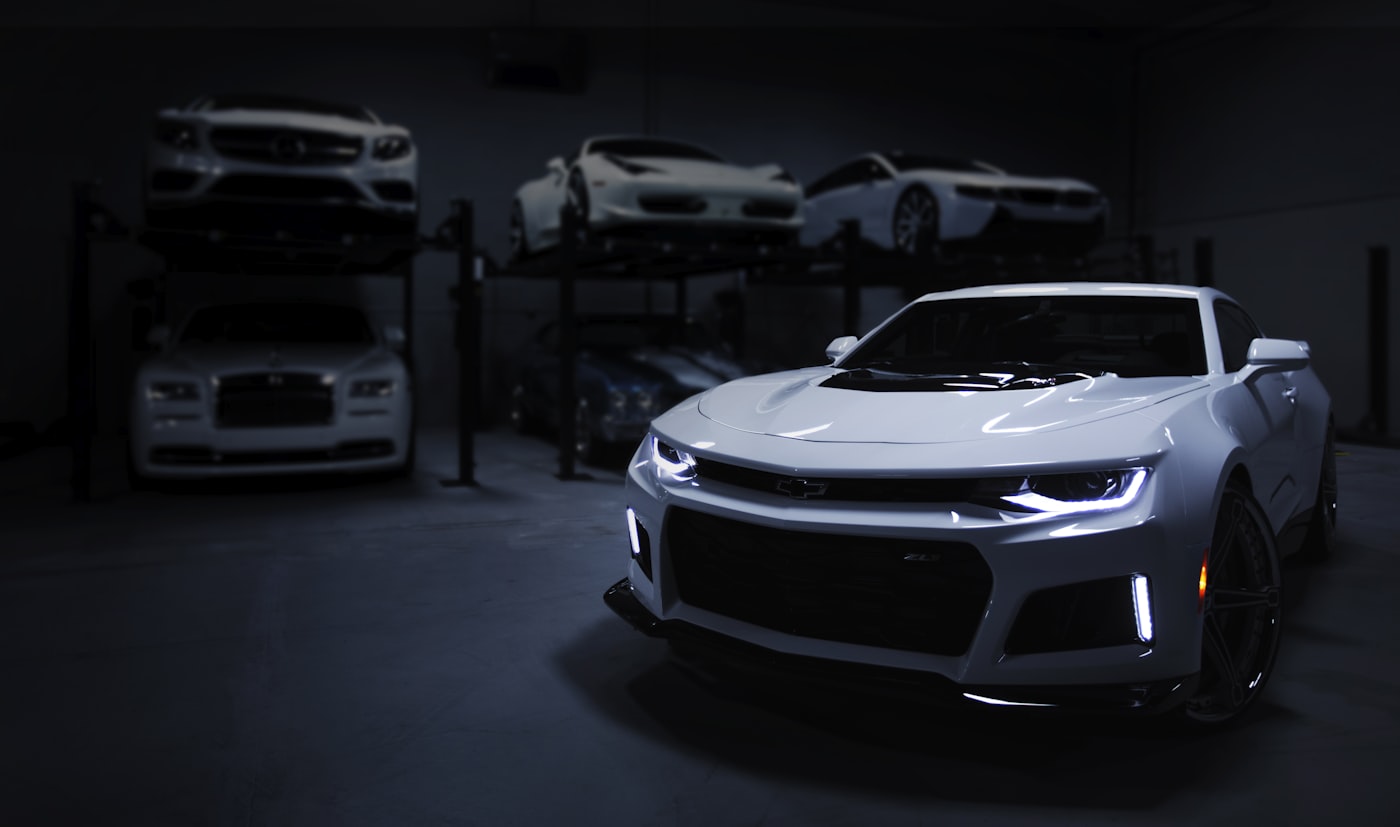
The most common use. The tour sits on your website, in your newsletters and in your social posts. A buyer who has walked the showroom already knows where the cars are, who to ask for and what to see first.
Brand experience centers and multi-brand sites
Larger sites with several brands, restaurants, workshops or event spaces benefit from a tour that links all areas together. 360INT has captured sites in this segment as Matterport 3D tours, including Motorworld Group, Aston Martin Memmingen and Bugatti Munich.
Model launches
A launch event is built for one evening. A 3D capture of the staging extends its reach. Buyers and media who could not travel can walk the launch space, and sales staff can reuse it for remote presentations in the following months. Capture the venue on the day before the doors open, with the car in place.
Sales training
New salespeople can learn the showroom, the displays and the product placement before their first shift. This follows the same idea as showroom training in other sectors.
Remote and international buyers
Collectors and importers often live far from the showroom. A tour with multilingual hotspots lets them view the space, shortlist cars and speak to your team with a clear picture of what is on offer.
3D Showroom and Test Drive Work Together
A tour does not replace the test drive. A buyer cannot hear the engine or feel the seat in a browser. The tour does three other jobs.
- It builds confidence, so the buyer arrives knowing what they want to see.
- It sorts enquiries. Visitors who request an appointment from inside the tour have already looked at specific cars.
- It frees sales time. Basic questions on layout, models and opening hours are answered before the first call.
Planning Your Showroom Project
- Choose what to show. Decide which areas to capture: main floor, VIP lounge, delivery area, workshop and outdoor display.
- Prepare the space. Arrange the cars, remove clutter, switch on lights and screens. Plan the scan outside opening hours if possible.
- Capture. A showroom is typically scanned in one session. The scan covers all floors and the interior of key vehicles on request.
- Add content. Prepare vehicle information, team photos or videos, forms and links in each language.
- Publish. Embed the tour on your website, share the link in campaigns, and consider publishing supported panoramas to Google Maps through our Google Street View Trusted photography service.
- Update. Re-scan zones when your display changes, or when a new model arrives.
Stills and video fit well alongside the tour. Our photography team can produce detail images of interiors and exteriors for your website and press kit.
What to Look For in a Provider
- Capture quality: clean, well-lit, straight scans with no gaps.
- Interactive options beyond a standard walkthrough: hotspots, forms and branded content.
- Experience with high-value showrooms and brand standards.
- A clear update plan and a way to measure engagement through your analytics.
- Honest limits. A 3D showroom is an addition to your sales process, not a replacement for people.
To see what else can sit on top of a tour, read about our immersive experiences.
Using the Tour in Your Marketing
A finished tour is a content asset you can reuse in many places.
- Embed it on the homepage and on model pages, next to the stock listing.
- Link to it in email campaigns for invited customers and launch announcements.
- Use the link in social posts and paid campaigns, so the click leads to a place, not a flat page.
- Add a QR code at events and in print, so visitors can continue the walk at home.
- Give your sales team the link to send after a phone call or a messaging chat.
Check your analytics for visits to the tour page and for enquiries that start from it. Compare them with your normal web enquiries over a few months. Use your own numbers to decide where to extend the tour, for example into a second showroom or a certified pre-owned area.
Common Mistakes to Avoid
- Scanning a messy showroom. Clean floors, aligned cars and working lights show in every frame.
- Overloading hotspots. A few clear actions work better than a dozen buttons.
- Leaving the tour out of date. If a car is sold, update the hotspot or remove it.
- Hiding the tour. Put it where buyers look, not in a footer link.
- Treating it as a one-off. A showroom changes, and the tour should change with it.
Frequently Asked Questions
Do buyers need an app or a headset?
No. The showroom opens in a web browser on a phone, tablet or computer.
Can buyers book a test drive from inside the tour?
Yes. We can add enquiry and appointment steps next to each car. The tour is integration-ready and can connect to supported booking or CRM systems. We confirm your systems during scoping.
Can the tour show different cars as stock changes?
Yes. Hotspot content can be edited without a new scan. If the physical layout changes, we re-scan the affected area.
Can we offer the showroom in several languages?
Yes. Hotspot text, videos and forms can be prepared in the languages your buyers use.
Is this suitable for a single dealership?
Yes. Single sites and multi-brand centers both work. The scope changes with floor area and the amount of interactive content.
What happens at a model launch?
We capture the staged event space, usually before guests arrive, and publish it as a tour that remains available after the event.
Plan Your Showroom
If you run a dealership, a brand center or a launch event, tell us about the space, the number of models and the languages you need. Request a quotation and we will propose a scope for the capture and the interactive layer.