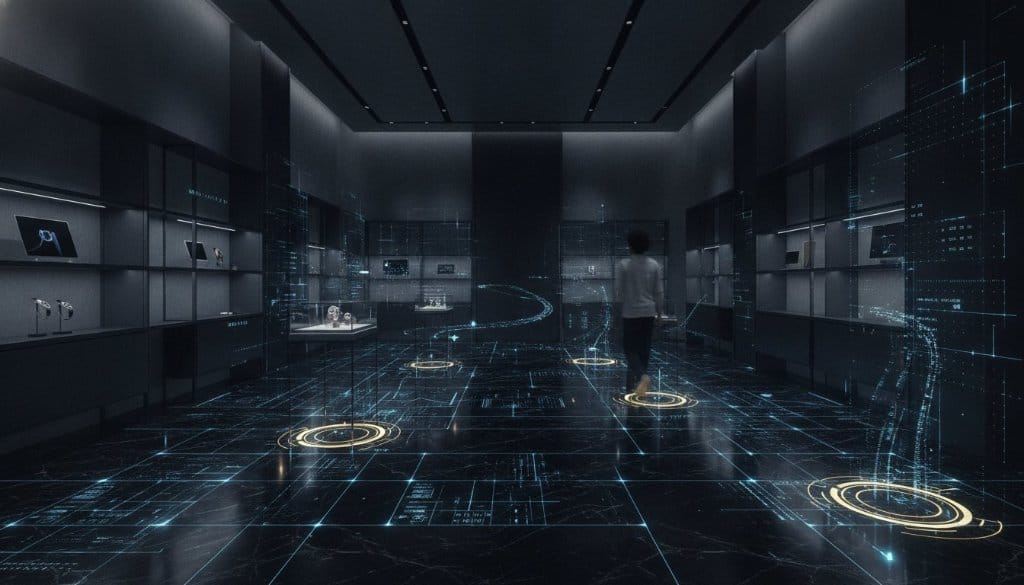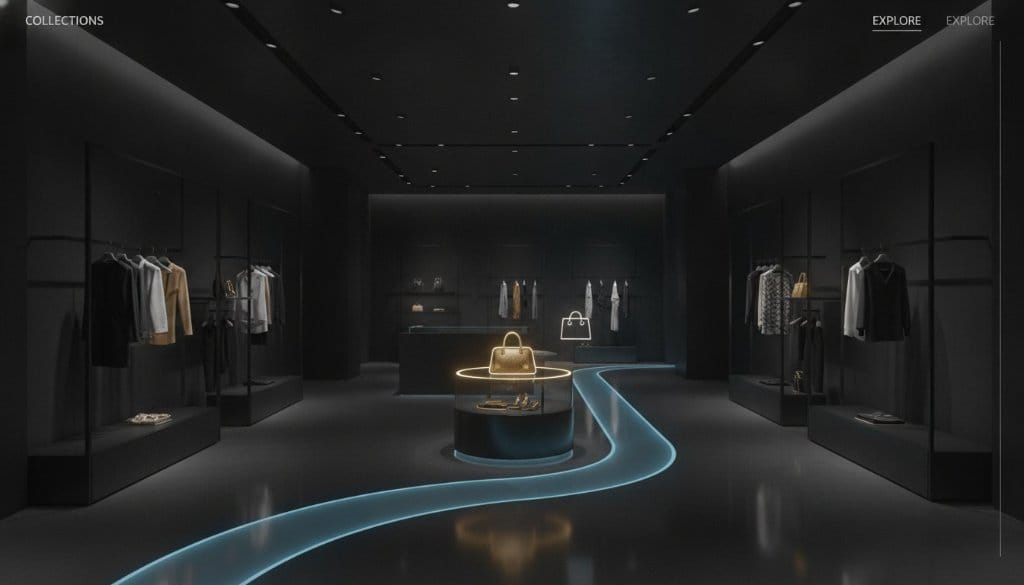
A flat product grid shows what you sell. It does not show how your store feels. Shoppers cannot judge scale, texture or lighting from a thumbnail, and a standard 360-degree tour gives them a view but no way to act on it. They look around, then leave to find the product on another page.
Shoppable virtual tours for retail close that gap. A Matterport 3D tour of your store gets an interactive layer on top, so a shopper can click a product, read its details and move to checkout without leaving the space. This guide explains how that works, what to build, how to plan the shopper's path, and how to choose a provider.
Key Takeaways
- A 3D tour of a store becomes a sales channel when products inside it are clickable and link to your shop system.
- Matterport captures the space. An interactive layer, such as 360INT's Xperio3D, adds hotspots, product information and enquiry or checkout steps.
- Plan a short guided path through the store first, then place hotspots along it. Do not tag everything.
- Integration-ready means the tour is built to connect to supported shop systems. Confirm your platform before the build starts.
- Choose a provider by looking at retail projects, capture equipment, the interactive layer and who handles post-production.
Why Product Grids and Plain Tours Fall Short
A product grid works for simple purchases. It is weak for items where context matters: furniture, fashion, jewelry, watches, home goods. The shopper has to guess how a sofa sits in a room or how a bag looks next to the rest of a collection. That guess is where hesitation starts.
A basic 3D tour solves part of this. It lets people walk through your store and see the layout and atmosphere. But a plain tour is passive. It has no product names, no prices and no next step. The shopper has to remember what they liked and search for it elsewhere.
A shoppable tour keeps the walkthrough and adds a path to purchase. The store becomes the catalog. The shopper browses the way they would in person, and each product they stop at can offer details and a way to buy or enquire.
What a Shoppable Tour Contains
Think of the tour in four layers. Each one has a separate job.
- Capture layer: the 3D model of your space. 360INT scans interiors with the Matterport Pro3 LiDAR camera. This gives accurate geometry, the dollhouse view and floor plans.
- Interactive layer: hotspots placed on products, with names, images, descriptions, video and links. Branded overlays replace generic icons so the tour matches your store.
- Commerce layer: the connection to your shop. A hotspot can open the product page, add an item to a cart, or start an enquiry form for items that need a conversation.
- Measurement layer: your existing analytics, so you can see which hotspots get clicks and which links lead to sales.
Matterport's own tags are a good start for information. They are basic, though, and they carry Matterport styling. An interactive layer built for your brand allows custom hotspots, product panels, video and enquiry or booking steps. This is what 360INT's Xperio3D platform adds on top of a Matterport tour.
Hotspots That Help the Shopper Decide
A hotspot should answer the question a shopper would ask a sales assistant. Keep each one short and useful.
- Product name, material or key specifications, and available options.
- A close-up image or short video, such as a staff member explaining the piece.
- A price and a link to the product page, if prices are public.
- A clear action: buy, reserve, request a quote or book a private viewing.
For high-value items, an enquiry step often fits better than instant checkout. A luxury piece or a made-to-order sofa may need a conversation. The hotspot can pass the shopper to a short form or to a sales contact with the product already named.
Connecting the Tour to Your Shop
The tour and the shop need to agree on products, prices and availability. If they do not, shoppers lose trust fast.
360INT builds tours to be integration-ready. That means the interactive layer is designed to connect to supported shop systems and booking engines, using product links or data feeds. What is possible depends on your platform. Before the build, collect this information:
- Which shop platform you use and whether it offers an API or product feeds.
- Whether prices and stock should update automatically or be checked by hand.
- Where the shopper should land after clicking: a product page, a cart or an enquiry form.
- How products are named and numbered, so each hotspot matches the right item.
Tell your provider at the start if live stock status matters to you. It changes how the hotspots are built. For stores with changing stock, a simple link to the live product page is often the most reliable approach.
Plan the Shopper's Path First
A store has dozens or hundreds of products. Tagging all of them makes the tour noisy and slow to update. Start with a path instead.
- Pick the entry point. This is usually the front door or main display.
- Choose a few zones that matter most: a hero collection, a new arrival wall, a seasonal display.
- Place hotspots on the products that anchor each zone, and let related items sit nearby without tags.
- Add one clear call to action per zone, so the shopper always knows the next step.
- Test the path on a phone. Many shoppers will open the tour there.
This approach also keeps maintenance manageable. When a collection changes, you update a few hotspots rather than rebuild the tour. For larger changes, a re-scan of the changed area keeps the tour matching the real store.
Beyond Sales: Other Uses of the Same Scan
The 3D model of a store has uses besides shopping. Visual merchandising teams can review layouts remotely. Head office can check that stores follow brand standards. Staff can walk new hires through a flagship they cannot visit.
360INT worked on this kind of task with Gucci's global store inspections, where stores were captured as Matterport 3D tours. A remote review saves a site visit when the question is about layout or presentation.
For retail parks, outlet centers or stores with large exteriors, a drone adds the outside. 360INT flies a DJI Matrice 4E to produce textured 3D models, orthophoto maps and point clouds, which can connect the street view of the building to the interior tour. See immersive experiences for how the pieces fit together.
Which Retail Businesses Benefit Most
Shoppable tours suit products where space and presentation influence the decision.
- Furniture and home: shoppers want to see pieces in a room setting. 360INT captured HiSo Living as a Matterport 3D tour.
- Fashion, jewelry and watches: the store atmosphere is part of the brand, and a hotspot can carry a close-up or a styling video.
- Showrooms for vehicles, boats and equipment: shoppers can explore at length before a visit. See showrooms.
- Pop-up stores and temporary exhibitions: the tour keeps the space available after it closes.
The retail industry page shows more of this work.
Prepare Your Product Content
The tour can only show what you give it. Good product content saves time during the build and makes hotspots more useful.
- One clear image per product, in a consistent style, plus a close-up for detail items.
- A short description of two or three lines. Longer text belongs on the product page.
- Product codes or page links for every item that will be tagged.
- Short videos for hero pieces, such as a craftsperson, stylist or sales assistant explaining the item.
- Approved wording for prices, shipping notes and any region-specific terms.
Collect this in a simple spreadsheet before the build. It becomes the reference list for the hotspots, and it makes later updates much faster.
Measure and Improve After Launch
Treat the tour as a live sales tool, not a one-time project. Track what shoppers do with it and adjust.
- Which hotspots get opened, and which are ignored.
- How many shoppers click through to a product page or enquiry form.
- Whether visitors from the tour buy, using campaign tags on the outgoing links in your own analytics.
- Which zones people leave from, which may signal a confusing path.
Review these results every few weeks at first. Move a hotspot, rewrite a label or change the call to action, then check again. Small changes to the path often matter more than adding more tags.
How to Choose a Provider
A tour is only as useful as the work behind it. Use this checklist when comparing providers.
| Question | What to look for |
|---|---|
| Retail experience | Projects in stores or showrooms, not only hotels or homes |
| Capture equipment | Current professional gear, such as the Matterport Pro3 for interiors |
| Exterior and large sites | Drone capability for outdoor areas and large layouts |
| Interactive layer | Own software for hotspots, or only Matterport's standard tags |
| Shop connection | Clear answer on which platforms and links are supported |
| Post-production | Examples of color correction and clean, branded hotspot design |
| Updates | How product changes and re-scans are handled |
Ask to see a live tour, not screenshots. Open it on a phone. Check how quickly it loads and whether the hotspots are readable. You can read more about the platform side on the technology page.
What It Takes to Launch
A typical project follows five steps.
- Brief: goals, products to feature, shop platform, target audience.
- Capture: scanning the store, ideally when it is tidy, lit and styled for sale.
- Build: processing the model, designing hotspots and linking them to products.
- Review: you check product details, links and wording.
- Publish: embed the tour on your site, share it on social channels, and use it in sales conversations.
Scan when the store looks the way you want shoppers to see it. Remove clutter, check lighting and place the hero products where they are visible from the main walkway.
Frequently Asked Questions
What is a shoppable virtual tour?
It is a 3D tour of a store or showroom where products are clickable. Shoppers can read details and move to purchase or enquiry steps without leaving the tour.
Do I need a new scan if I already have a Matterport tour?
Not always. An interactive layer can often be added to an existing Matterport tour. If the store layout or displays have changed a lot, a fresh scan keeps the tour accurate.
Can the tour connect to my online shop?
360INT builds integration-ready tours that connect to supported shop systems, usually through product links or data feeds. The exact method depends on your platform, so confirm it before the build starts.
Does every product need a hotspot?
No. Start with the products that anchor your main zones and your best-known items. A tour with fewer, more useful hotspots is easier to use and to maintain.
Will the tour work on mobile?
Matterport tours open in a phone browser, and shoppers often start there. Test the full path on a phone, including hotspot text and the link to checkout, before you publish.
Can the same scan be used for internal work?
Yes. Merchandising teams can plan layouts and review store presentation from the model. This is useful for chains with several locations.
To see how the shop works in practice, with live demos, read 3D Shopping in Virtual Tours.
Plan Your Shoppable Store Tour
If you want to turn your store or showroom into a tour that sells, tell us about the space, your shop platform and your goals. We will recommend a capture and hotspot plan that fits. You can also see how 360INT builds Matterport virtual tours before you decide. Request a quotation to get started.